Training Videos for Employees: Production Guide for HR Teams
Training videos for employees help HR teams deliver clear, consistent information across departments, locations, and job roles. A well-produced training video can support onboarding, workplace safety, compliance, software instruction, customer service standards, company policies, and internal learning programs.
Instead of repeating the same live session again and again, HR teams can use video to give employees a resource they can watch, pause, review, and revisit when needed. The strongest training videos are simple, accurate, easy to follow, and built around a clear learning goal.
This guide explains how to plan, produce, edit, and distribute employee training videos, including scripting, crew planning, accessibility, cost factors, and when to hire a production team.
What Are Employee Training Videos?
Employee training videos are videos created to teach staff a process, policy, skill, system, or workplace standard. They may be used for new hire onboarding, safety training, compliance education, leadership development, customer service, software walkthroughs, product knowledge, or internal procedures.
Some training videos feature an on-camera presenter. Others use voice-over, screen recordings, animation, workplace demonstrations, interviews, or a mix of different formats. The right style depends on the topic, audience, budget, and how the video will be used.
For example, a safety training video may need real workplace footage, clear demonstrations, and step-by-step instructions. A software training video may work better with screen capture, cursor movement, callouts, and captions. A company culture video may use interviews, office footage, and leadership messaging.
The goal is not just to create a polished video. The goal is to help employees understand the information and apply it correctly.
Plan the Goal, Audience, Script, and Format
Before production begins, define the purpose of the training video. HR teams should know what the video needs to teach, who it is for, and what employees should be able to do after watching it.
Start with the learning goal. Is the video explaining a company policy, teaching a task, reducing workplace risk, improving service quality, or helping new employees understand the organization? A clear goal keeps the video focused and prevents the script from becoming too broad.
Next, identify the audience. A video for new hires may need more background and context. A video for managers may need more detail, examples, and decision-making guidance. A video for warehouse, healthcare, field, or technical teams may need workplace-specific visuals and direct instructions.
The script should be clear and organized. Avoid long introductions, corporate jargon, and information that does not support the training goal. A simple structure often works best: introduce the topic, explain why it matters, show the steps, reinforce key points, and end with the next action.
The format should match the training need. HR teams may choose a presenter-led video, workplace demonstration, screen recording, interview-style video, animated explainer, or modular training series. For longer training programs, several short videos are often easier to manage than one long video.
Production Setup: Crew, Equipment, and Location
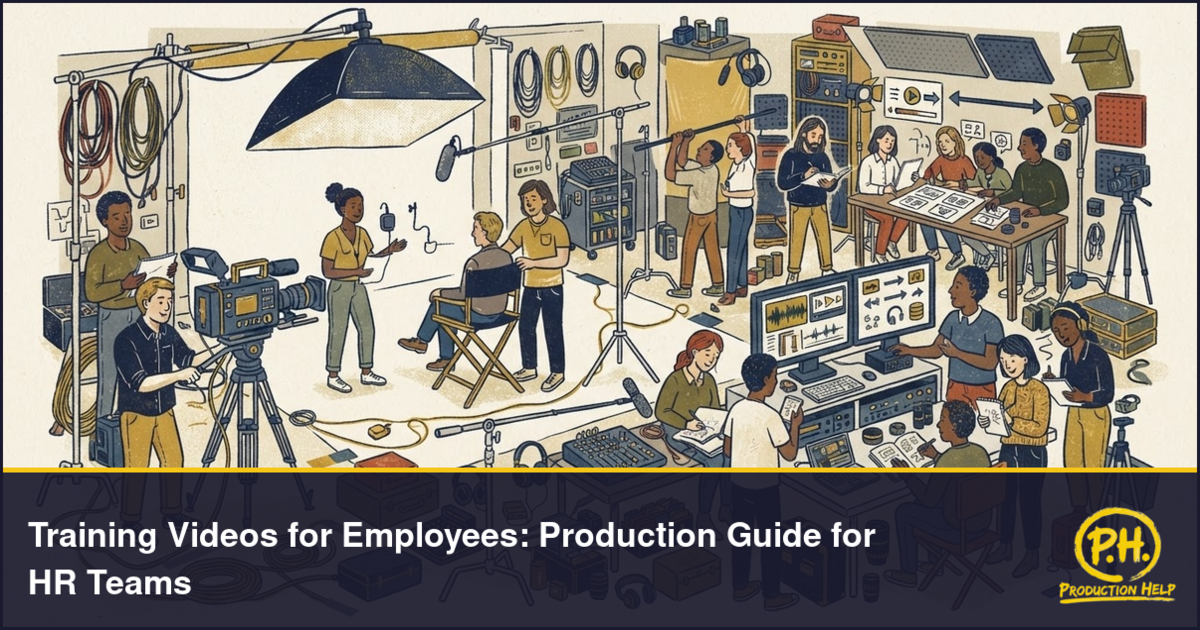
The production setup depends on the type of training video being created. A simple internal video may only require a small crew, camera, microphone, lighting kit, and clean background. A larger training project may need a producer, director, camera operator, sound mixer, lighting technician, teleprompter, editor, motion graphics artist, and production assistant.
Location matters. Training videos can be filmed in an office, warehouse, studio, conference room, retail space, medical facility, manufacturing floor, or controlled training area. The space should support clean audio, safe movement, good lighting, and enough room for the crew and equipment.
For workplace demonstrations, the production team should understand the process before filming. Equipment, tools, uniforms, signage, safety gear, and work areas should be prepared in advance. If employees appear on camera, HR should confirm approvals, scheduling, and any internal guidelines before the shoot.
For presenter-led videos, a teleprompter can help the speaker stay on message. For software training, the screen recording setup should be tested before production. Demo accounts, sample data, notifications, browser tabs, and private information should be cleaned up before recording.
Good production planning helps avoid reshoots, unclear instructions, poor audio, and editing delays.
Filming, Editing, Captions, and Accessibility
Training videos should be filmed with clarity in mind. Employees need to see and hear the information without distractions. Camera angles, lighting, framing, and audio should make the instruction easy to follow.
When filming demonstrations, show each step clearly. Use close-ups when the employee needs to see a button, tool, screen, product, form, machine part, or hand movement. Keep backgrounds clean and avoid showing unnecessary activity that may confuse the viewer.
The edit should be direct and organized. Remove pauses, repeated lines, unclear moments, and anything that does not support the training goal. Add section titles, step numbers, labels, arrows, icons, and simple graphics when they help explain the process.
Captions are important for accessibility and workplace viewing. Some employees may watch without sound, work in noisy environments, or need written support to follow the material. Subtitles may also be needed for multilingual teams.
HR teams should also consider how the video will work inside a learning management system. File format, length, chapters, quiz points, transcripts, and version control may all matter. If the video includes policies, safety instructions, legal language, or compliance details, the final version should be reviewed carefully before release.
Cost, Distribution, and Finding the Right Crew
The cost of employee training videos depends on the scope of the project. A short screen-recorded tutorial will usually cost less than a full training series with multiple shoot days, talent, workplace demonstrations, custom graphics, captions, and several edited modules.
Common cost factors include scriptwriting, planning, crew size, filming location, number of training modules, shoot days, voice-over, presenter support, screen recording, animation, motion graphics, captions, subtitles, editing rounds, and final delivery formats.
Distribution should be planned early. HR teams may publish training videos through an LMS, company intranet, onboarding portal, internal email, private video link, employee app, or live training session. The final files should match the platform where employees will watch them.
A clear production brief makes it easier to hire the right team. Before contacting a vendor, prepare the training goal, audience, number of videos, estimated length, filming location, preferred format, deadline, budget range, and required deliverables.
ProductionHelp.io helps HR teams, brands, agencies, and producers find video production companies, camera crews, videographers, editors, studios, soundstages, and equipment rental providers. If your team is preparing employee training videos, the right production partner can help you plan the shoot, capture clean footage, edit the modules, and deliver training content that employees can actually use.