AI in video production is useful when it shortens paperwork and post. It is a liability when you treat it as a substitute for people who light a room, place a mic, or keep an executive calm while the clock runs.
This guide is for producers and marketers deciding where to spend: assistive tools in the workflow versus camera, sound, lighting, and a producer on set. It sits beside how to hire film and video production pros, not instead of it. Shoot-day logistics still live in the video shoot day timeline and call sheet guide. Interview days still need real coverage planning (executive interview videos).
Who this is for
Use this if you are:
- An in-house or agency producer splitting budget between software seats and day rates
- A marketing lead asked to “just use AI” for a launch video that still needs a real interview
- A coordinator building a hybrid plan: humans capture, tools assist in post
- Comparing a single-operator day against a fuller crew for brand or leadership content
You do not need a model bake-off. You need a clear split: what AI can draft or accelerate, and what still breaks without a person in the room. Staffing choices and portfolio checks belong in the hiring guide above. Creative goals belong in how to write a video production brief before you pick tools.
What “AI in video production” usually means
Most teams mix two buckets and then argue past each other.
Assistive AI helps humans finish work they already own: transcripts, rough selects, caption drafts, language cleanup, research summaries, upscaling or noise reduction as a cleanup pass, version naming, and edit notes. A person still judges the cut.
Generative AI invents pixels, voices, or faces: synthetic B-roll, avatar presenters, text-to-video clips, style transfers that invent rooms or products that were never shot. Someone still has to own rights, brand safety, and whether the audience will trust what they see.
Both can show up in an AI video production workflow. Only the first bucket behaves like a fast assistant. The second bucket behaves like a creative and legal decision, not a free camera department. If you are weighing a lean camera day versus a full-service team for capture, start with camera crew vs full-service production company and keep AI out of that capture decision until the tape is real.
Where AI often helps
These are the jobs where AI for video editing and related tools usually earn their keep in post, not as a stand-in for crew.
Transcripts and searchable dailies. Turning interviews and b-roll notes into searchable text saves logging time. Producers find pulls faster. Editors jump to timecodes instead of scrubbing blind. Always spot-check names, product terms, and numbers before a cut goes to legal or the executive.
Rough selects and stringouts. Assistive tools can surface takes that match a keyword or a script line. That is a starting bin, not a locked cut. A human still decides performance, continuity, and whether the answer actually supports the brief.
Captions and versioning. Draft captions, language variants, and aspect-ratio versions move faster when the master is already approved. Someone still fixes line breaks, on-screen timing, and brand terms.
Script and research assist. AI script tools for video can outline questions, tighten a voiceover draft, or summarize source material. Treat the output like a junior writer’s first pass. Fact-check claims. Keep the executive’s real voice in the final talking points (executive interview guide).
Cleanup passes. Noise reduction, upscaling, and similar cleanup tools can rescue usable footage. They do not fix a blown key light, a clipped lav, or a room that never matched the brand.
None of this replaces a call sheet, a load-in, or a producer who protects hard outs. Those still fail for ordinary reasons listed in common production mistakes that cost time and money.
Where AI still fails on set
On set, the job is real-time judgment under imperfect conditions. That is where generative shortcuts and “we’ll fix it later” plans usually collapse.
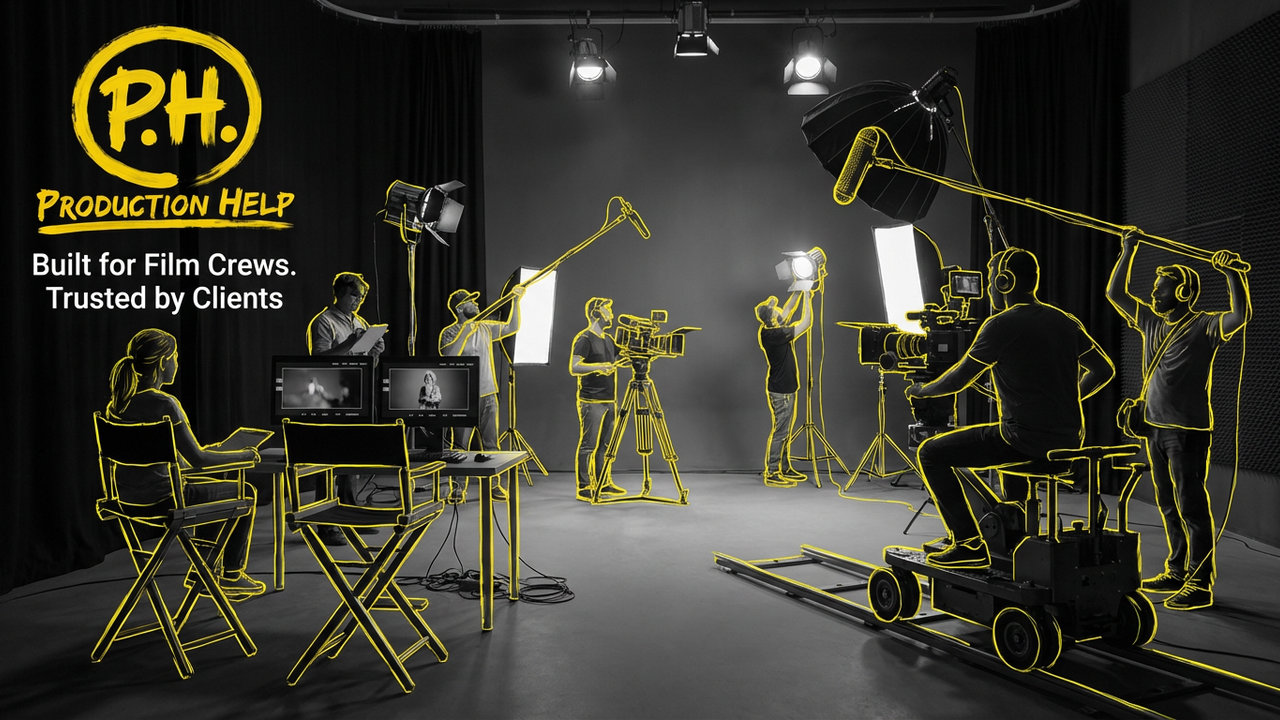
Lighting judgment. A gaffer reads windows, practicals, skin tone, and brand color in the room you actually booked. Softening a still frame in post is not the same as matching two interview angles while the sun moves. Browse gaffers when the day needs controlled light, not a filter.
Live sound. HVAC, lav clothing noise, wireless interference, and a soft-spoken executive are live problems. A production sound mixer hears them before you roll take three. Cleanup tools help; they do not rebuild consonants that never hit the recorder. Pair lav placement with the lavalier microphone guide and hire production sound mixers when dialogue is the product.
Camera coverage and operator choices. Framing for an eye line, catching a real reaction, and holding focus while talent moves are operator skills. Browse camera operators and videographers when you need coverage that exists, not plates invented later.
Talent and stakeholder management. Someone has to greet the executive, protect the hard out, and say when the answer is done. That is producer work. Tools do not read the room when legal walks in mid-take.
Location logistics. Load-in doors, quiet floors, parking, and meal blocks live on the call sheet and timeline. AI does not open the freight elevator. Keep those documents human-owned (call sheet, shoot day timeline).
When the deliverable needs real people in a real place, budget bodies on set before you buy more assist seats.
Generative B-roll, avatars, and brand risk
Generative AI video has real limits. Treat synthetic B-roll and avatar presenters as a rights and brand-safety problem, not a free stock library.
Verify rights. Know what your tool’s terms allow for commercial use, training data claims, and redistribution. Do not assume a download is cleared for paid media. When in doubt, ask counsel or stick to footage you shot or licensed cleanly.
Likeness and consent. Avatar or voice likeness of a real person needs clear permission from that person and from whoever owns the brand. Do not invent a “CEO avatar” from scraped photos.
Brand safety and product truth. Generated offices, products, or customers can invent details your brand never approved. For regulated or high-trust categories, prefer real capture. If you use generative inserts, label the workflow internally and keep a human review gate before publish.
AI B-roll risks in practice. Mismatched continuity, weird hands, wrong logos, and rooms that do not match your HQ can cost more trust than they save in pickup time. Use generative inserts for mood or abstract texture only when the brief allows it, and keep hero product and people shots real.
This is not legal advice. It is a production habit: if you cannot explain the source of a shot to a stakeholder, do not ship it.
Decision framework: hire crew vs use AI assist
Hire crew when:
- Dialogue, executive presence, or product truth is the deliverable
- Lighting must match brand and location (windows, mixed practicals, multi-cam)
- Sound must be clean on the day, not “fixed” after a ruined take
- You need live coverage of an event, panel, or walk-and-talk
- Stakeholders expect a producer to own timing, talent, and approvals on set
- You are choosing between lean camera and full-service capture (camera crew vs full-service)
Browse the ProductionHelp directory for camera operators, gaffers, production sound mixers, and full-service video production when those lines are required.
Use AI assist when:
- You already have usable footage and need faster transcripts, captions, or rough pulls
- You are drafting questions, VO, or cutdown outlines for a human editor to judge
- You are producing language or aspect variants after the master is approved
- Cleanup tools can improve an otherwise good take without inventing missing coverage
- Research or script tools shrink prep time, and a person still fact-checks
Do not use generative replacement when:
- You are skipping a shoot you still need for trust, compliance, or product accuracy
- You cannot clear rights, likeness, or brand review
- The only plan for sound or light is “AI will fix it”
When to hire film crew vs AI is rarely all-or-nothing. Teams still pay twice when they swap the wrong half: generative pixels instead of a mixer, or a full crew day for a caption job that software already handles.
How to brief a hybrid day
Most hybrid days mean humans capture and AI assists post. Put that in the brief so nobody shows up expecting synthetic talent. More assist tools usually means more QC owners, not fewer meetings.
- Lock the capture plan. Locations, setups, talent, and hard outs first. Use the brief and call sheet so crew and client share one map.
- Name the human roles. Camera, sound, lighting/gaffer as needed, producer on set. Link hires to directory categories above.
- Name the AI assist jobs. Example: transcript within 24 hours, caption draft after picture lock, rough select keywords from the interview guide. Keep the list short.
- Name what is off-limits. No generative faces of employees. No invented product shots. No shipping unreviewed captions to paid media.
- Set review owners. Who signs off on transcript accuracy, caption QC, and any generative insert before it hits the cut.
- Plan media handoff. Editors need organized cards and a clear folder map. Assistive tools work better when the bin is already sane (see wrap habits in the shoot day timeline).
If capture still needs bodies on set, hire them. If you only need post acceleration on footage you already have, do not rent a stage to feed a caption tool.
When the job needs people on set
When you need people on set, browse the ProductionHelp directory, compare full-service video production listings, or contact the team. Learn more about ProductionHelp if you are new to the directory. For staffing checks before call day, use how to hire film and video production pros.